
llama.cpp RPC: Verteilte Inferenz im Heimnetz mit 28 GB gepooltem VRAM
ThisIch washabe generateddrei byRechner NOTEBOOKLMzu fromHause, adie lotsonst ofmeist sources.
Leerlauf
Question
laufen. IDie haveIdee: threealle computersdrei
at home. one AMX Ryzen 7800 X3D with 32GB RAM, NVIDIA RTX 5070 12GB VRAM and windows 11. Two machines with an intel i5 11th gen, 16GB RAM and NVIDIA RTX 2070 tier 8GB VRAM.
Show or create a document which gives me extract instructions on how to setup llama rpc utilizing all three machines. which OS should I install on the two smaller intel i5 machines. how do i setup the llama rpc to utilize the total of 28GB VRAM for a suitable model.
Prompt used by NotenookLM
A technical guide with exact instructions on setting upper llama.cpp RPC acrosszu oneeinem Windowsgemeinsamen 11VRAM-Pool hostzusammenschalten andund twodamit LinuxModelle
workerbetreiben, nodes,die poolingauf 28GBeiner ofeinzelnen VRAM.Karte nicht mehr passen. Dieses Dokument beschreibt,
wie ich das umgesetzt habe — inklusive der Stellen, an denen es hakelig wurde.
AnswerHardware-Übersicht
ThisMaster technicalNode deployment guide details the configuration of a high-performance distributed inference cluster. We will shard a Large Language Model (LLM) across a heterogeneous environment comprising one— Windows 11
Worker Node 1 & 2 — Linux Worker nodes, pooling a total of 28GB of VRAM.(Debian)
System
Gepoolter VRAM: 12 + 8 + 8 = 28 GB
Was 28 GB VRAM Poolingwirklich Strategybedeuten
InBevor aman distributedanfängt, RPClohnt (Remotesich Procedureein Call)ehrlicher architecture,Blick theauf modeldie isZahlen. shardedEin across70B-Modell the network. The Windows 11 Master node acts as the orchestrator; it physically hosts the .gguf model file and manages the Key-Value (KV) cache. The Linux Worker nodes act as "virtual GPUs," receiving tensor calculation tasks over the network, executing them on local hardware, and returning the results.
The Memory Math: 70B Parameter Constraints
Running a 70B model on a 28GB VRAM pool requires an aggressive offloading strategy. A standard 70B model quantized atin
Q4_K_M typicallybraucht requiresallein 42–für die Gewichte rund 43 GBGB. justDas forübersteigt theden weights.Pool deutlich.
Component
Die fehlenden 15 GB --Gewichte -20landen toim -40System-RAM GBdes Master-Nodes. Der KV-Cache
ebenfalls. Das hat Konsequenzen: Die Inferenzgeschwindigkeit liegt realistisch bei
8–12 Tokens pro Sekunde — nicht mehr. Wer schnelle Antworten erwartet, wird
enttäuscht sein. Für experimentelle Zwecke und zum Verstehen der Architektur ist es
trotzdem interessant.
Architect'sWer Note:in Becausediesem theSetup modelproduktiv weightsmit großen Kontexten arbeiten will, kommt an RAG nicht
vorbei — kleines Kontextfenster (43GB)z.B. exceed8K) yourhalten, physicalrelevante Passagen per Retrieval
einbinden, VRAM poolfür (28GB),die approximatelyGewichte 15GB of weights—plus the entirety of the KV cache—will reside in the Master node’s system RAM. Expect a performance ceiling of 8–12 tokens per second (TPS) for a single stream, heavily dependent on the Master node's CPU and memory bandwidth.
The Memory Bandwidth Lever
During the decode phase (token generation), performance is strictly memory-bound. While the prefill phase (prompt processing) is compute-heavy, generation speed scales with how fast weights can be streamed from memory. In this distributed setup, your primary performance bottleneck is the movement of data between the system RAM, the local GPU, and the remote RPC workers.freihalten.
EnvironmentOS-Wahl Preparationfür &die BuildingWorker llama.cppNodes
SeeIch also:habe https://linuxconfig.org/debian-13-nvidia-driver-installationDebian auf beiden Intel-Maschinen installiert. Gründe:
Ubuntu funktioniert genauso — der Installationsweg ist nahezu identisch.
Linux Worker Nodes (Ubuntu/Debian)einrichten
Pakete und Build-Toolchain
Ensure both worker nodes are updated and have the NVIDIA stack correctly initialized.
Toolchain:sudo apt install build-essential g++ cmake git curl libcurl4-openssl-dev pciutilsInstallNVIDIANVIDIA-Treiber
DriversUpdateinstallieren
APTAPT-Quellen
Sources List withum non-free- erweitern:
sudo sed -i 's/main/main non-free contrib/g' /etc/apt/sources.list sudo apt updateNextinstallKernel-Header,
theDKMSrequiredundheader- nvidia-detect installieren:
sudo apt install linux-headers-$(uname -r) build-essential dkms nvidia-detect runPrüfen ob die Karte erkannt wird:
nvidia-detecttoWenn
checkja,ifTreiberGPUinstallieren:is detectedIf card detected, install driverssudo apt install nvidia-driver nvidia-kernel-dkmsSelect OK when asked about the "wrong" kernel.sudo rebootAfterrebootNach
Neustart verifizieren:rundemnvidia-smito verify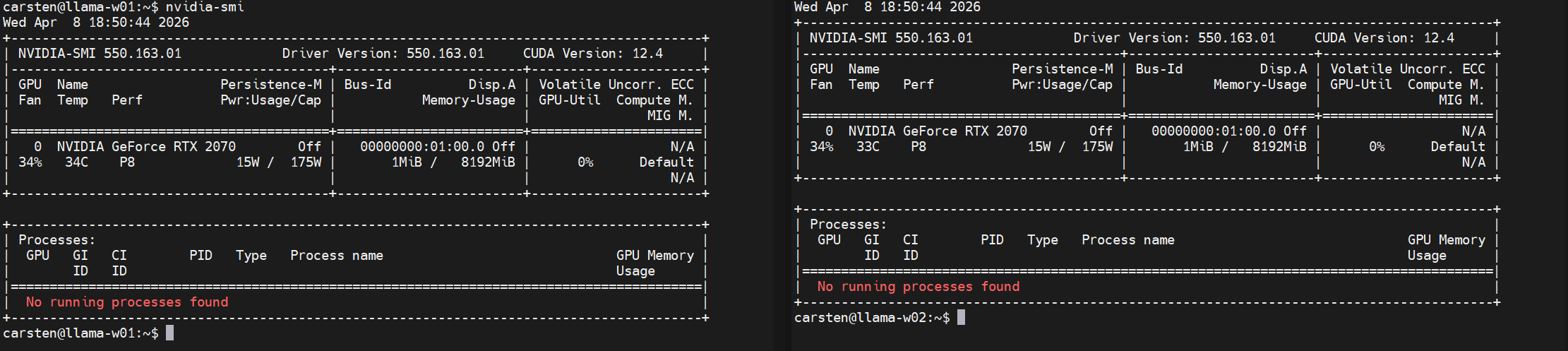
CUDA
Toolkit:ToolkitInstall nvidia-cuda-toolkit (required for the NVCC compiler).sudo apt install nvidia-cuda-toolkit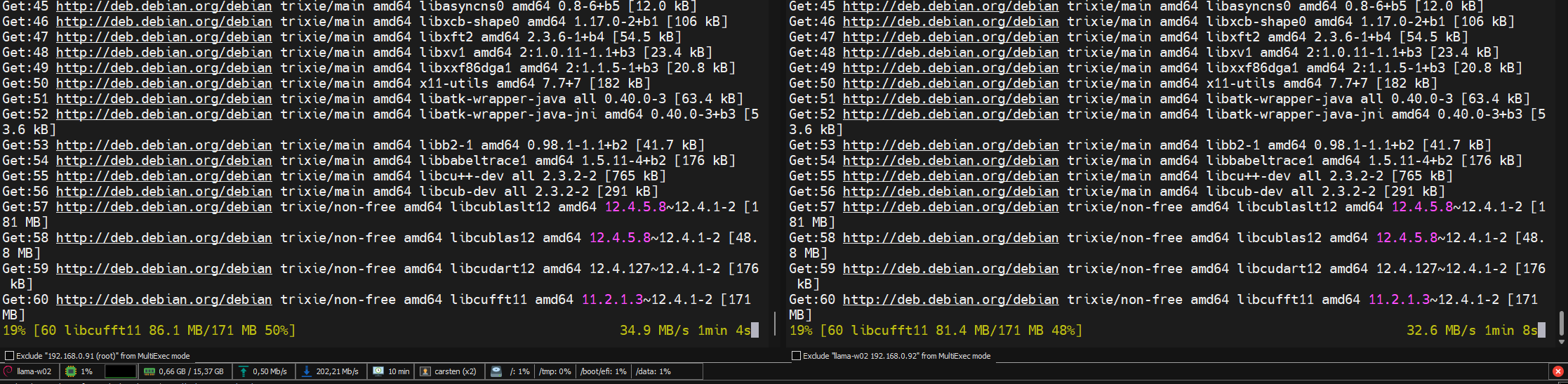
-
Compute
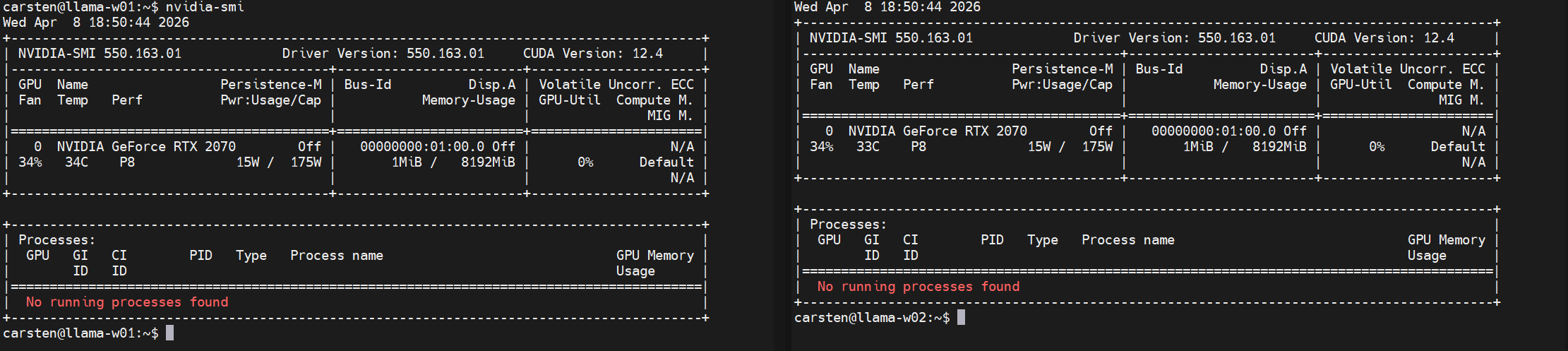
Capability:CapabilityIdentifyderyourGPUGPU'sermittelnarchitecture:—
das braucht man beim Build:nvidia-smi --query-gpu=compute_cap --format=csv
Windows 11 Master Node
The Master node must run a version of llama-cli.exe that matches the build version of the Linux workers exactly.
Version Sync: Ensure all nodes are built from the same Git commit to avoid RPC protocol mismatches.Build Method: It is recommended to use the pre-compiled Windows releases with CUDA support or build via CMake to ensure llama-cli.exe is optimized for your local GPU.
Downloadllama.cpp andauf buildden LLAMA.cppLinux Nodes bauen
https://github.com/ggml-org/Ich kompiliere llama.cpp selbst — einerseits für maximale Kompatibilität, andererseits
weil ich wissen will, was da läuft. Auf dem i5 mit acht parallelen Prozessen dauert der
Build ca. 6 Minuten.
Schritt 1: Normaler CUDA-Build
git clone https://github.com/ggml-org/llama.cpp
cd llama.cpp
# following the CUDO build here https://github.com/ggml-org/llama.cpp/blob/master/docs/build.md#cuda
cmake -B build -DGGML_CUDA=ON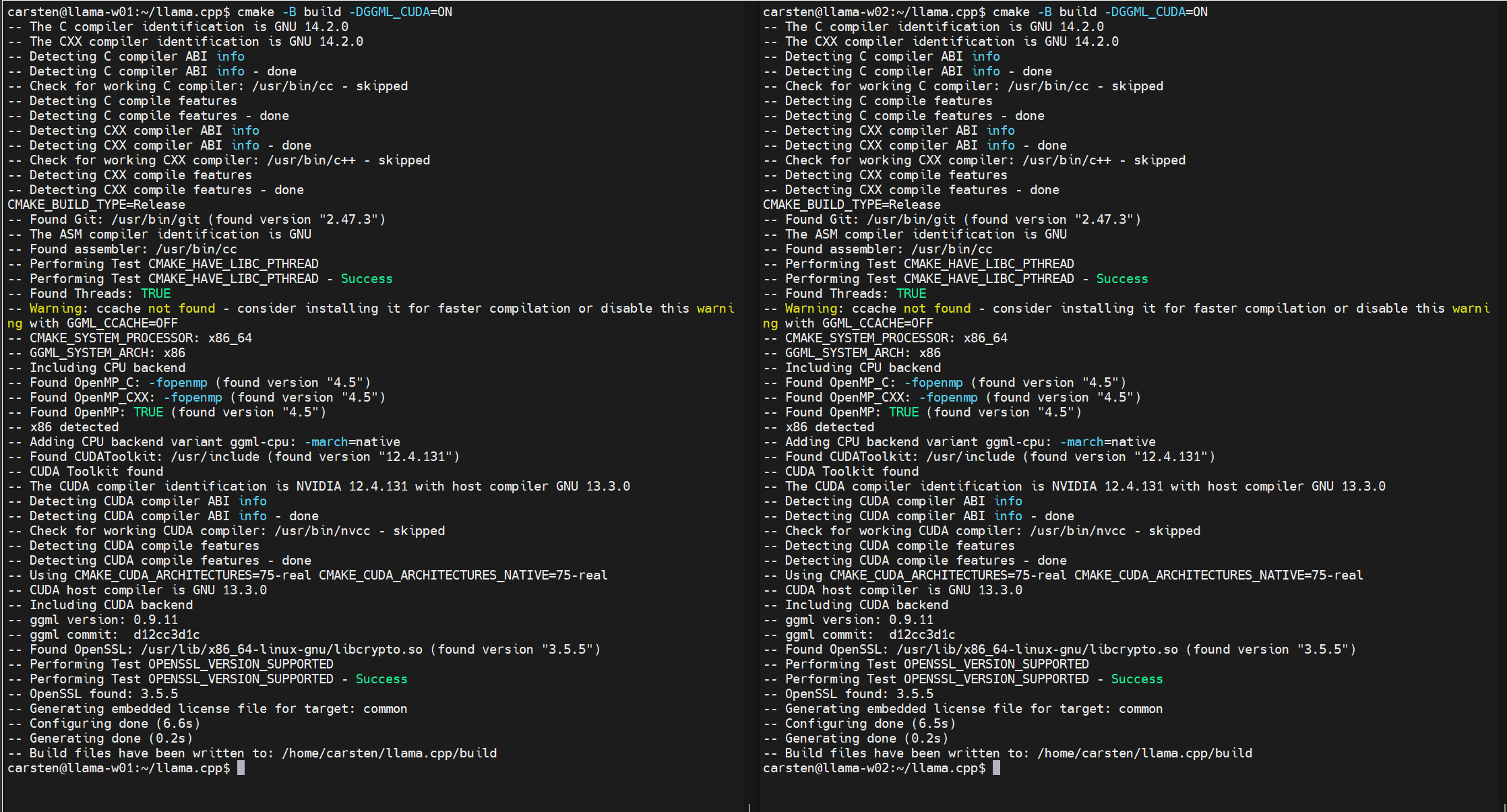
Next build the tool
# Use j parameter to have multiple jobs parallel
# It will speed things up significantly.
# Put the number of your available cores in
cmake --build build --config Release -j 8
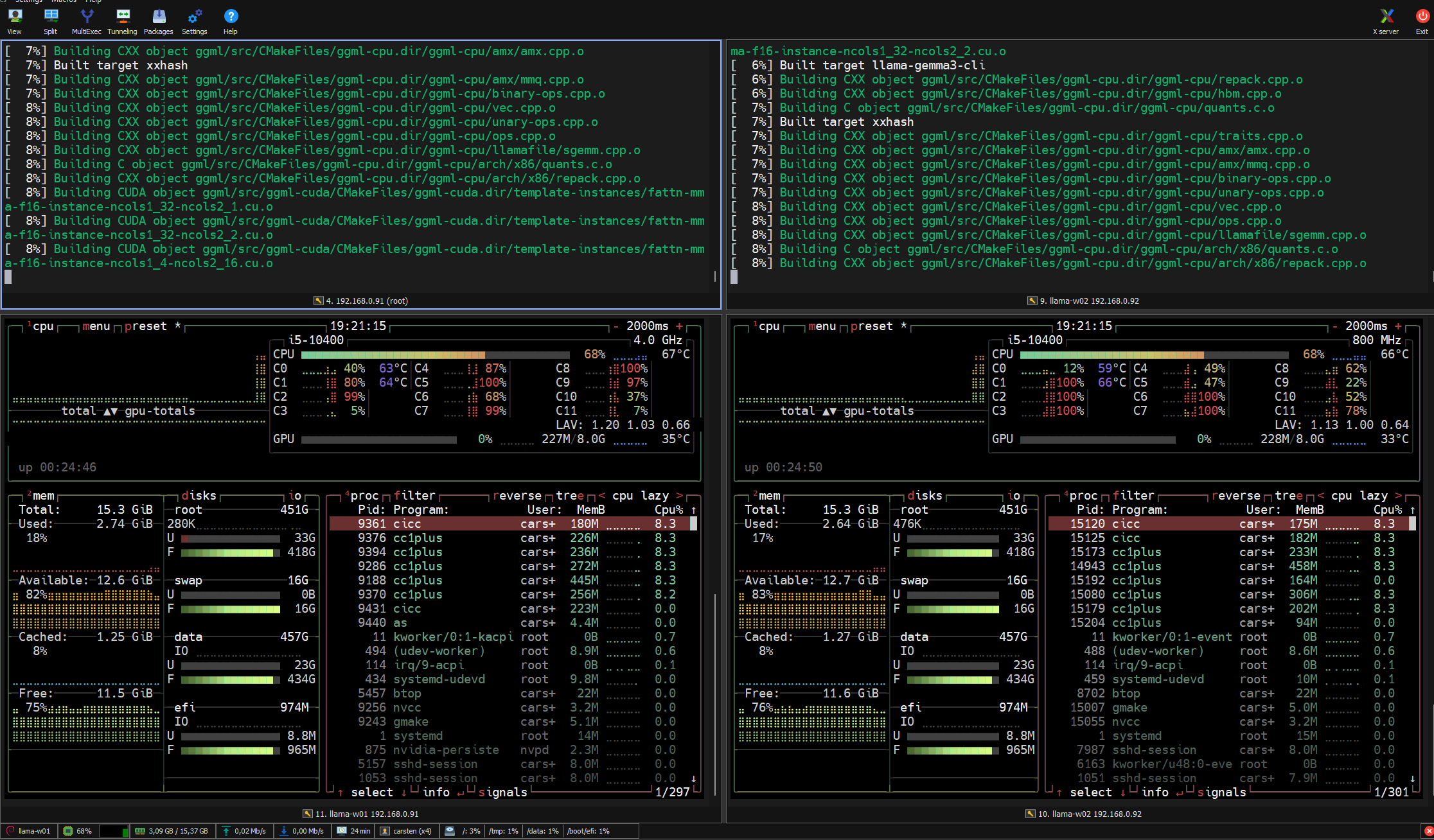
-j 8-Parameter an die eigene Kernzahl anpassen.
Running
Schritt
btopCompilingnochmal againkompilieren, withdiesmal themit RPC=ONRPC-Support. flagDas followingist theseein instructions:separater https://github.com/ggml-org/llama.cpp/tree/master/tools/rpc#remote-hosts
In the llama.cpp directory (the git clone) run the following cmdsBuild-Ordner:
mkdir build-rpc-cuda
cd build-rpc-cuda
cmake .. -DGGML_CUDA=ON -DGGML_RPC=ON
cmake --build . --config Release
ThisDas willerzeugt builddas the rpc-server-Binary, executabledas thatauf weden need.
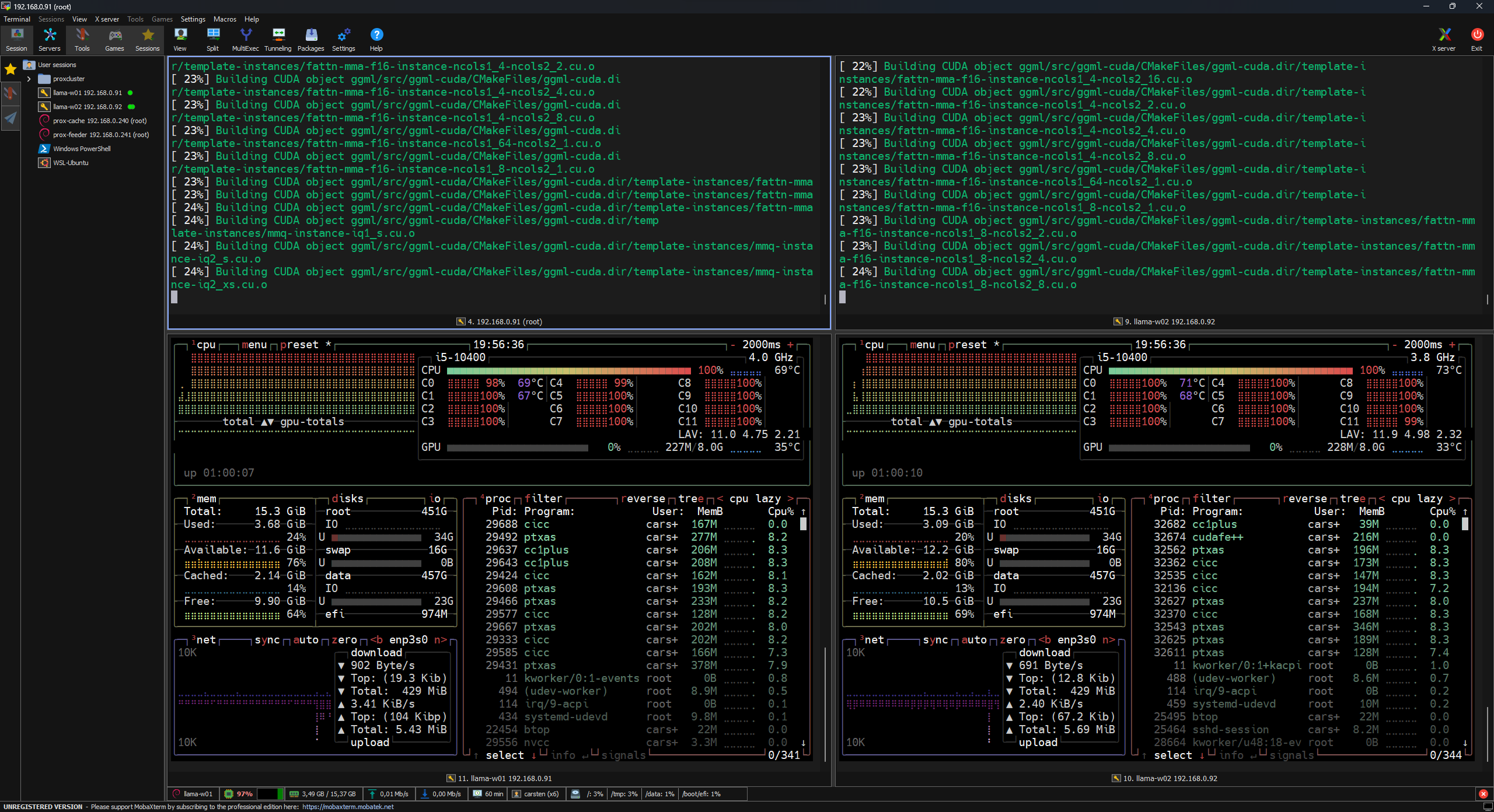
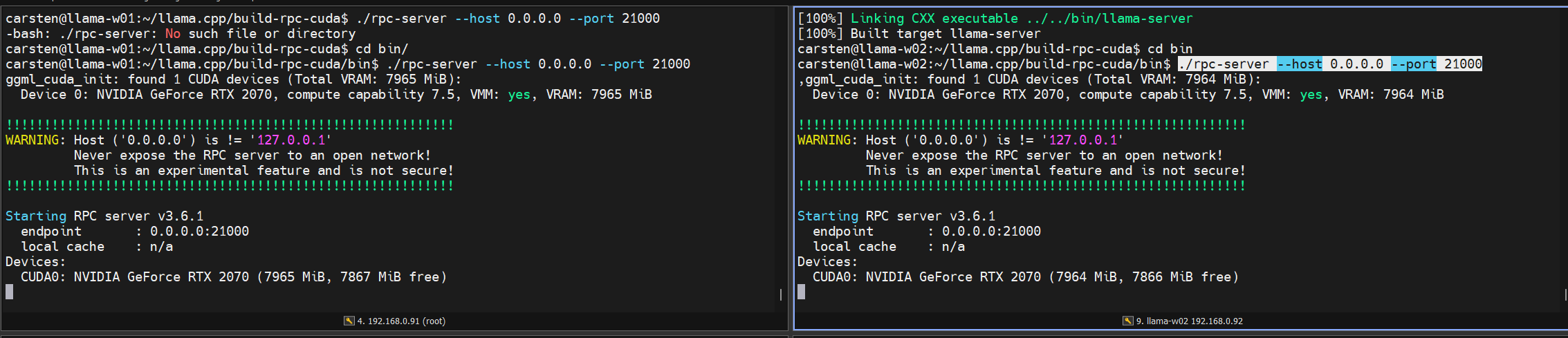
Afterlaufen the build finished, we can change into the bin folder and run the rpc-server
Download and build LLAMA.cpp on Windows
Install with WINGET
muss.
Networkingllama.cpp &auf SecurityWindows Requirementsinstallieren
DoIch nothabe usewinget Wi-Fi.verwendet Distributed— inferenceunkompliziert isund highlyausreichend sensitivefür toden network latency. Wi-Fi introduces jitter and high latency that will degrade token generation to unusable speeds. Wired Gigabit Ethernet is the mandatory baseline for a stable RPC cluster.Master-Node:
Security
winget ProtocolsTheinstall llama.cpp
RPC
protocol
Wichtig: transmitsMaster unencryptedund modelWorker tensorsmüssen anddenselben hidden states. Exposing these ports to the WAN is a critical security vulnerability.
Internal Only: Restrict RPC traffic to trusted internal IPs or a secured VPC.Firewall: Ensure the chosen portsllama.cpp-Stand (defaultGit-Commit)50052verwenden.orDascustom)RPC-ProtokollareistopennochoninLinuxaktiverworkersEntwicklung;forVersionsunterschiedetheführenMaster’szuIP.
Linux Worker Configuration (RPC Server)Netzwerk
EachKein workerWLAN. createsVerteilte aInferenz socketreagiert tosehr listenempfindlich forauf incomingLatenz dataund (modelJitter parameters— andWLAN
hiddenmacht states)das fromErgebnis theunbrauchbar. master.Gigabit-Ethernet per Kabel ist das absolute Minimum.
CommandDas toRPC-Protokoll initialize:überträgt Modell-Tensoren und Hidden States unverschlüsselt. Die
Ports (Standard: 50052, ich nutze 21000) dürfen ausschließlich im lokalen Netz
erreichbar sein. Niemals nach außen öffnen.
Firewall auf den Linux-Nodes: den gewählten Port für die IP des Master-Nodes freigeben, alles andere sperren.
Worker Nodes starten
Auf beiden Linux-Maschinen ins Build-Verzeichnis wechseln und den RPC-Server starten:
./rpc-server --host 0.0.0.0 --port [PORT]21000
The --host 0.0.0.0 flaglässt allowsden theServer serverauf toallen listenInterfaces onlauschen. allDas interfaces,ist whichnur isdann
safevertretbar, onlywenn ifdie yourFirewall localden firewall/securityZugriff groupsauf aredie configuredIP todes restrictMasters access.beschränkt.
WindowsMaster
11Node: Inferenz startenDer Master
NodeorchestriertConfiguration
TheSharding Master— nodedie orchestratesRemote-Worker theerscheinen shardingals byzusätzliche
treating remote nodes as additional CUDA devices.CUDA-Devices.
LaunchingMeine DistributedWorker Inference:laufen auf 192.168.0.91 und 192.168.0.92:
./llama-cli.exe -m llama-3-70b-q4_k_m.gguf \
  --rpc [WORKER_1_IP]:[PORT],[WORKER_2_IP]:[PORT]192.168.0.91:21000,192.168.0.92:21000 \
  --n-gpu-layers 100 \
  --ctx-size 8192
--rpc:rpc: --n-gpu-layers 100:100: --ctx-size 8192: Bei 28 GB VRAM Performance Tuning & Optimization
Performance-Flags
ToDiese maximizeFlags tokensbringen permessbare secondVerbesserungen:
--flash-attn — Reduziert Speicherbedarf und Rechenaufwand des
Attention-Mechanismus. Immer einschalten.
--mlock — Verhindert, dass das OS Modellgewichte auf die Auslagerungsdatei
schreibt. Ohne dieses Flag gibt es Stottern bei längerem Betrieb.
--no-mmap — Auf den Worker-Nodes empfehlenswert wenn schnelle NVMe vorhanden
ist: erzwingt vollständiges Laden des Shards in --flash-attn:threadsEnables—FlashFürAttentiondietoCPU-Fallback-Verarbeitungreduceaufthedemmemory footprint and compute time of the attention mechanism.--mlock: Force-locks the model in RAM, preventing the operating system from swapping weights to the disk (pagefile), which is a common cause of stuttering.--no-mmap: Recommended for the worker nodes if they have fast NVMe drives but limited system RAM; it forces a full load of the shard into memory at startup.--threads: Match the thread count to the physical CPU cores for the Master's fallback processing.
For GPU-assisted or distributed inference, the optimal thread count is typicallyMaster: 4–8 threads,Threads
regardlesssind ofoptimal, theunabhängig totalvon coreder count.Gesamtkernzahl. Over-allocatingMehr threadsThreads oftenerzeugen
leadsKontextwechsel-Overhead toder context-switchingdie overheadPerformance thatverschlechtert.
reduces performance.
TroubleshootingFehlerbehebung
& Connectivity Diagnostics
Error:
"RPC Failed to Connect" oroder Worker meldet "0 MiB free"
Verbindung klappt, aber der Worker meldet keinen freien VRAM:
nvidia-smi prüfen
Falsches CUDA_DOCKER_ARCH beim Build gesetzt
nvidia-cuda-toolkit unvollständig installiert
Absturz beim Tensor-Laden
IfFast theimmer ein Versions-Mismatch. llama.cpp-Version auf Master connectsund butWorker theangleichen worker—
reportsidentischer "0Git-Commit, MiBnicht free"nur ondieselbe the device:
Backend Failure: This usually indicates the RPC server is reachable, but the CUDA backend failed to initialize the GPU.Arch Mismatch: Check if CUDA_DOCKER_ARCH was set correctly during the build on the Linux worker.Toolkit Issue: Ensure the nvidia-cuda-toolkit is properly installed and nvidia-smi shows no errors.
Version Mismatch
If the nodes connect but crash during tensor loading, verify that the llama.cpp version (Git hash) is identical on Windows and Linux. RPC is under active development and protocol changes are frequent.Release-Nummer.
Advancing the Setup: RAG Integration
Because the 28GB pool is insufficient for the weights and KV cache of a 70B model, Retrieval-Augmented Generation (RAG) is the superior strategy for handling large datasets.
Instead of extending the context window (which exponentially consumes VRAM and increases latency), RAG pulls relevant text chunks from an external database only when needed. This keeps your context window small (e.g., 8K), preserves VRAM for the model weights, and prevents "Out of Memory" (OOM) errors while maintaining high accuracy for documentation-heavy tasks.
Some Screenshots
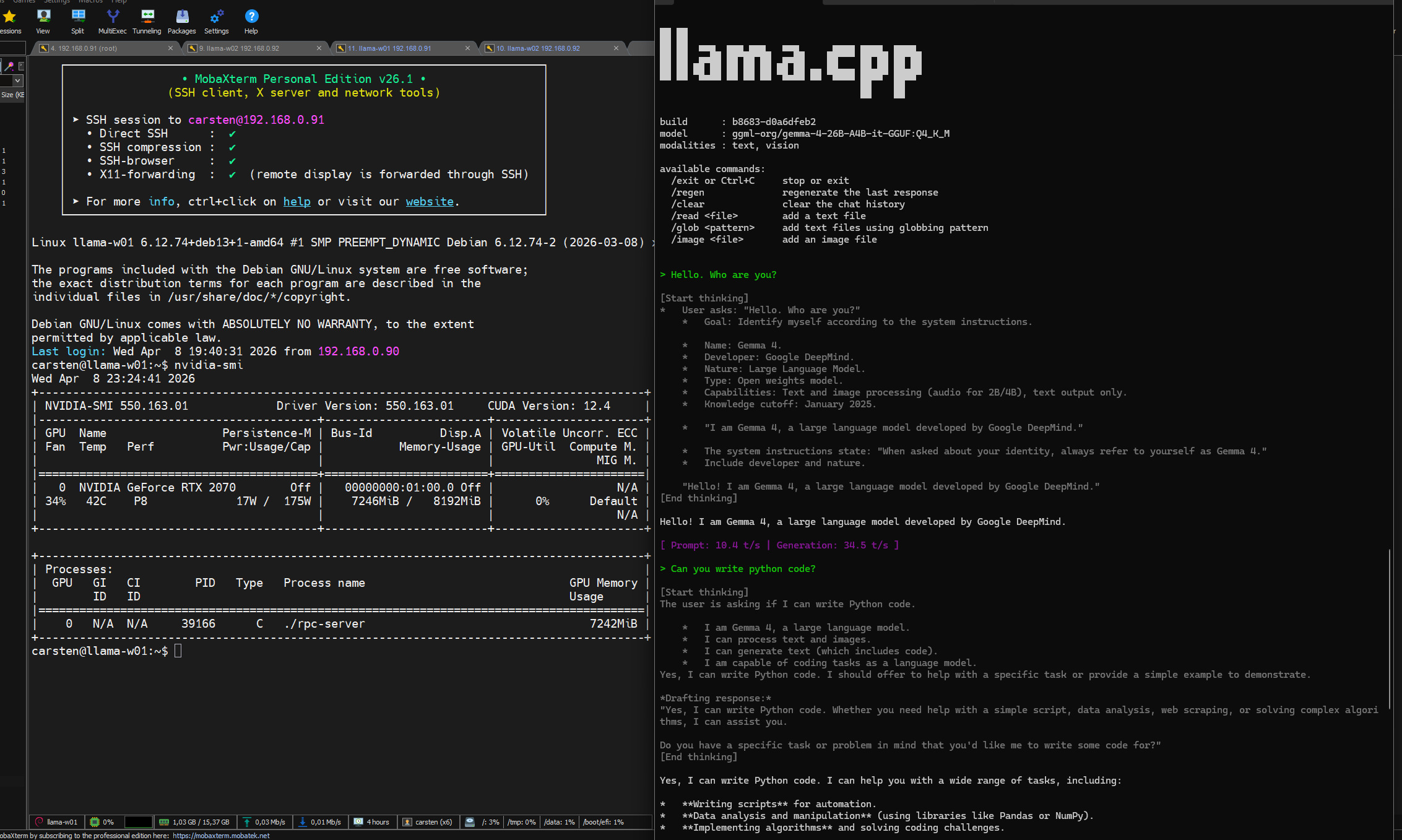
(Screenshots aus dem Wiki-Upload — siehe Originalartikel)
Fazit
Das Setup läuft. 70B-Modelle sind auf 28 GB VRAM machbar, aber man muss die Erwartungen kalibrieren: 8–12 TPS, kein großes Kontextfenster, der Master-RAM ist der eigentliche Flaschenhals. Für das Experimentieren mit Modellen, die sonst gar nicht laufen würden, ist es trotzdem ein sinnvolles Setup.
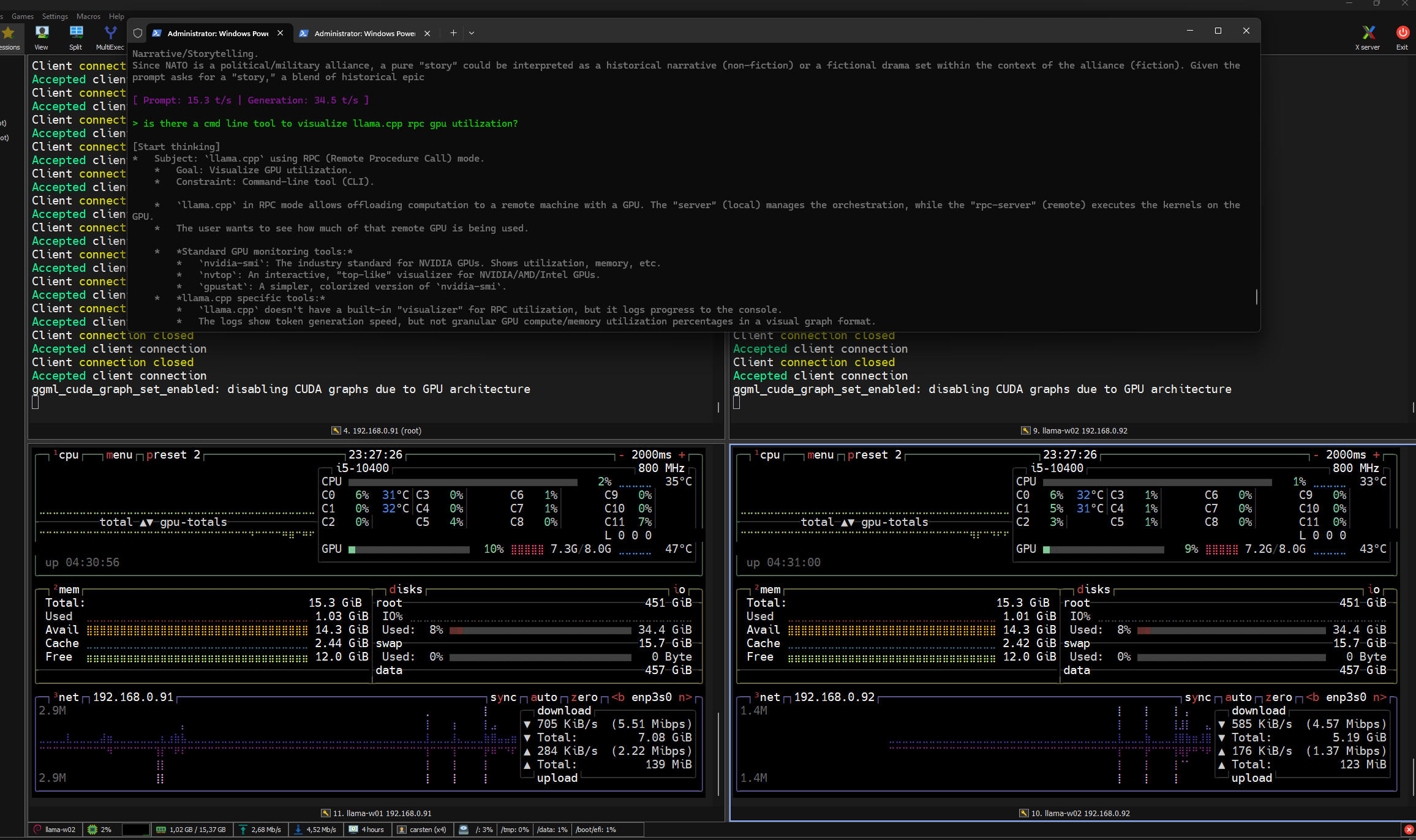
NVTOP
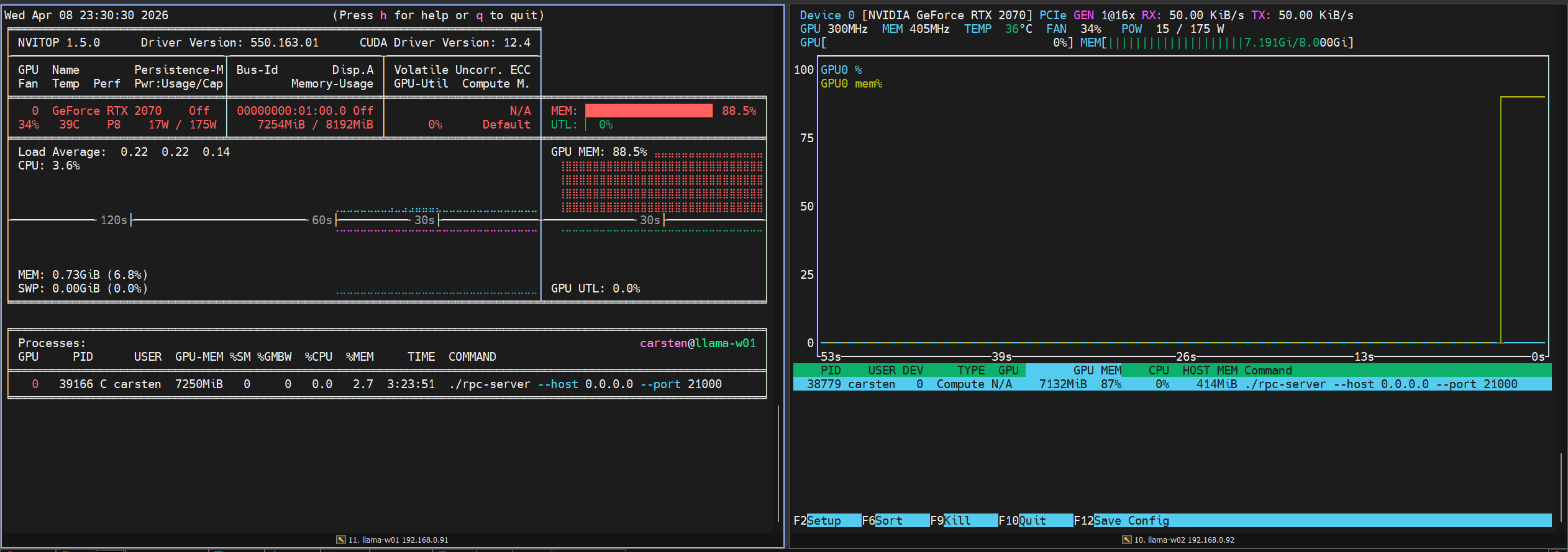
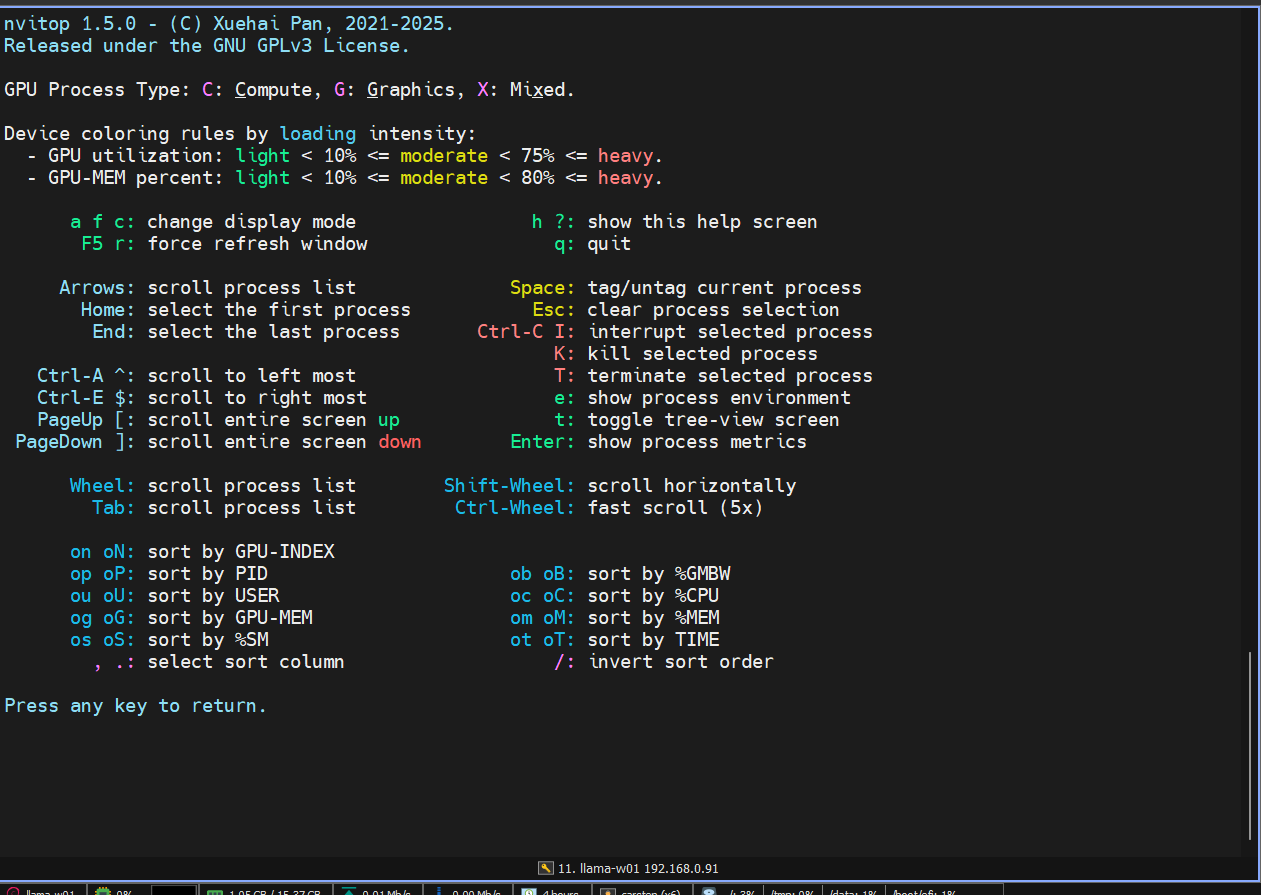
NVITOP
NVITOP, NVTOP and Terminal with llama-cli
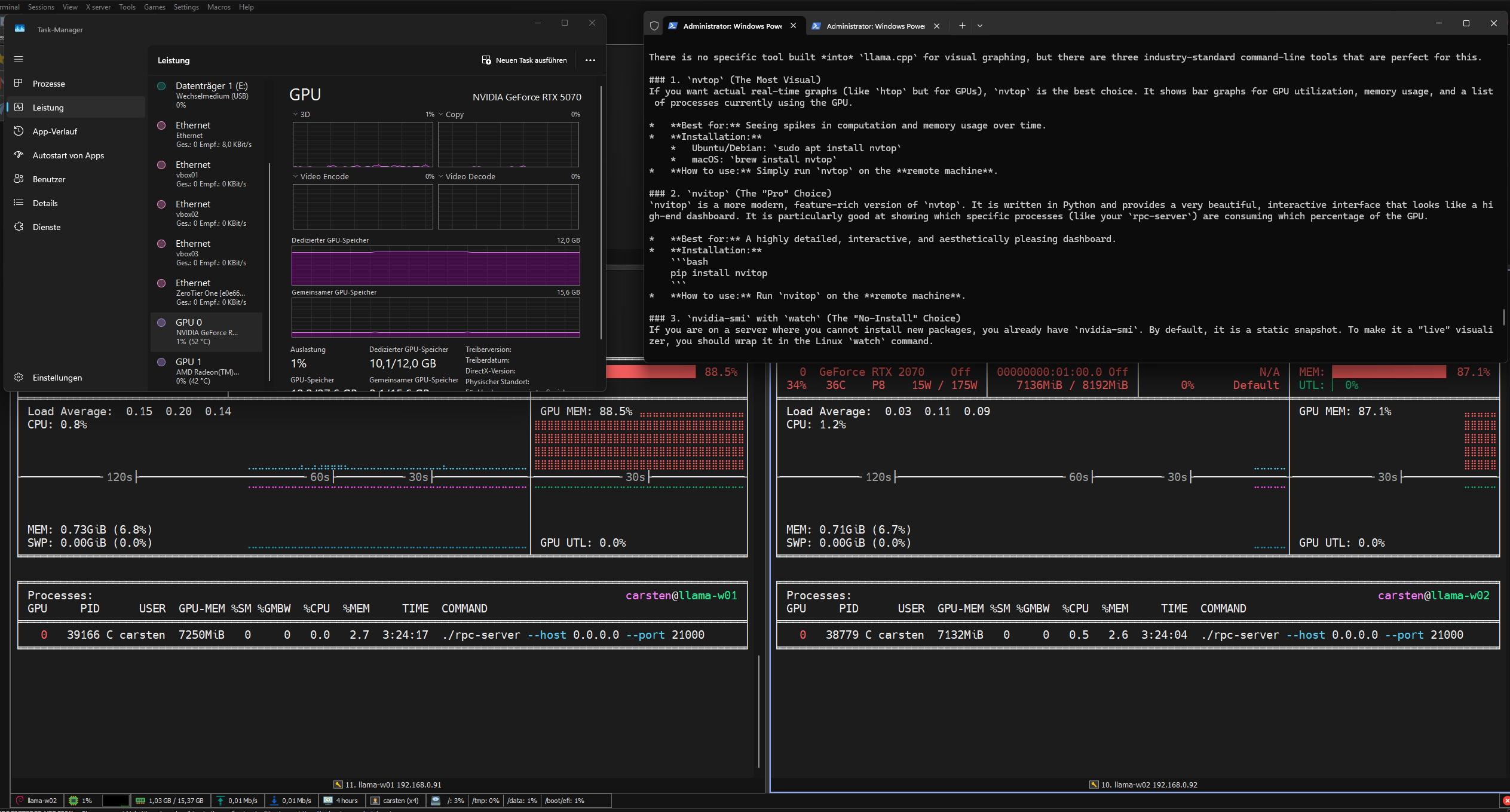
After running
