Syncthing + FileBrowser Quantum
Setting up Synching in Proxmox is really easy. You can do it by yourself, or just use the pre-made Community Script for it.
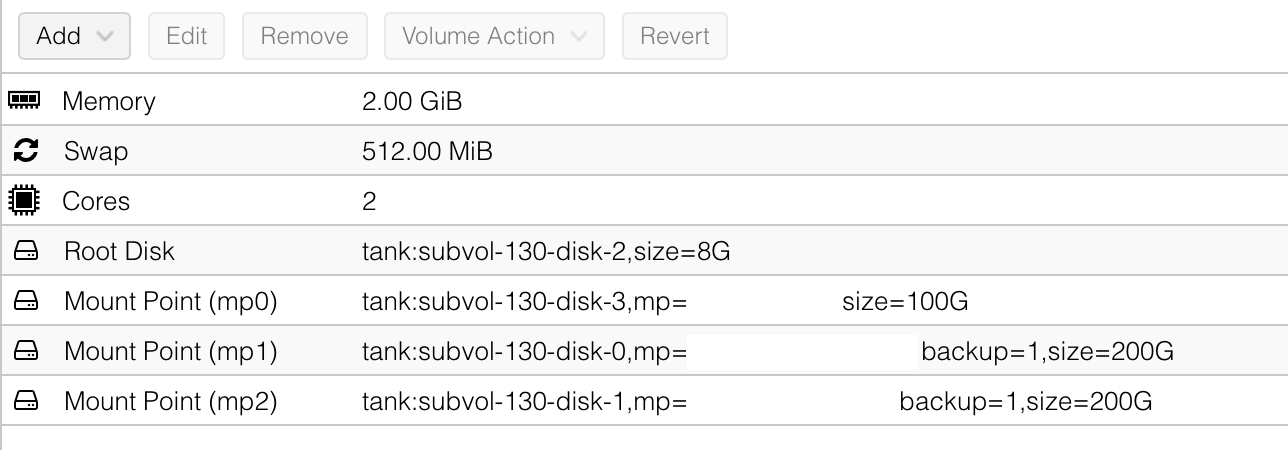
I used the script which created an LXC with maximum 2 GB RAM, and gave it 2 cores. Mainly for larger file transfers, but it should use way less that that maximum under normal circumstances. Just to be on the safe side.
If you want to set it up on your own, create a LXC with the settings below.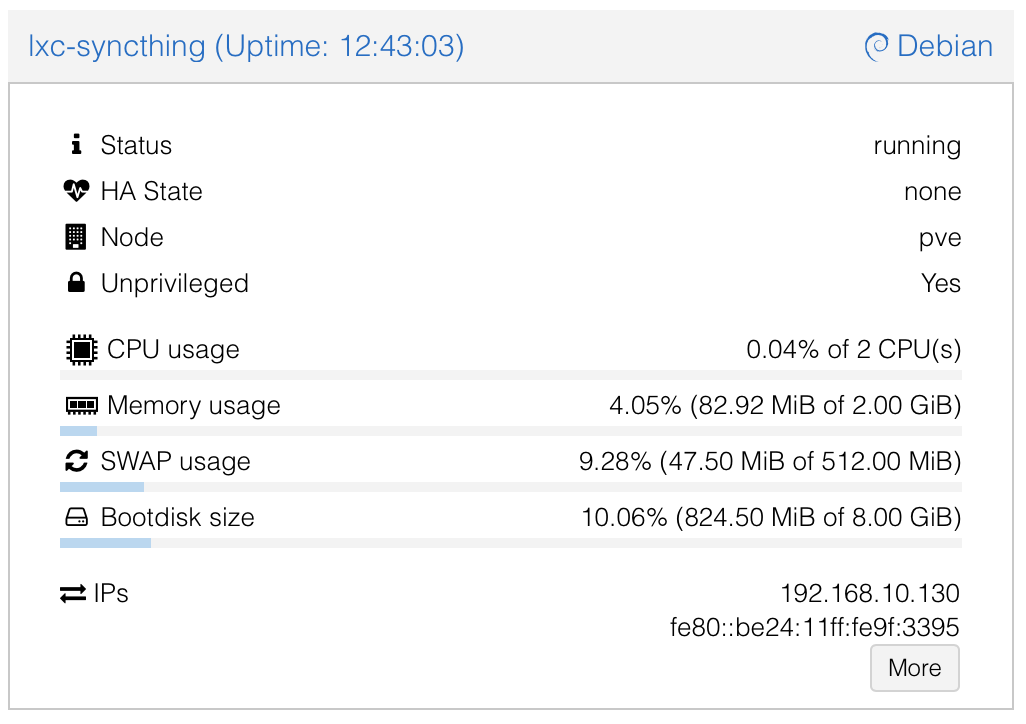
After the LXC is created, open a console and install Syncthing via the Debian Package Repository.
Either way, you will now have syncthing on your system. Installing it via the scripts,
After the installation and the first start